

MOBILedit Forensic can extract and analyze web searches, bookmarks, and history made by any app in the investigated device.
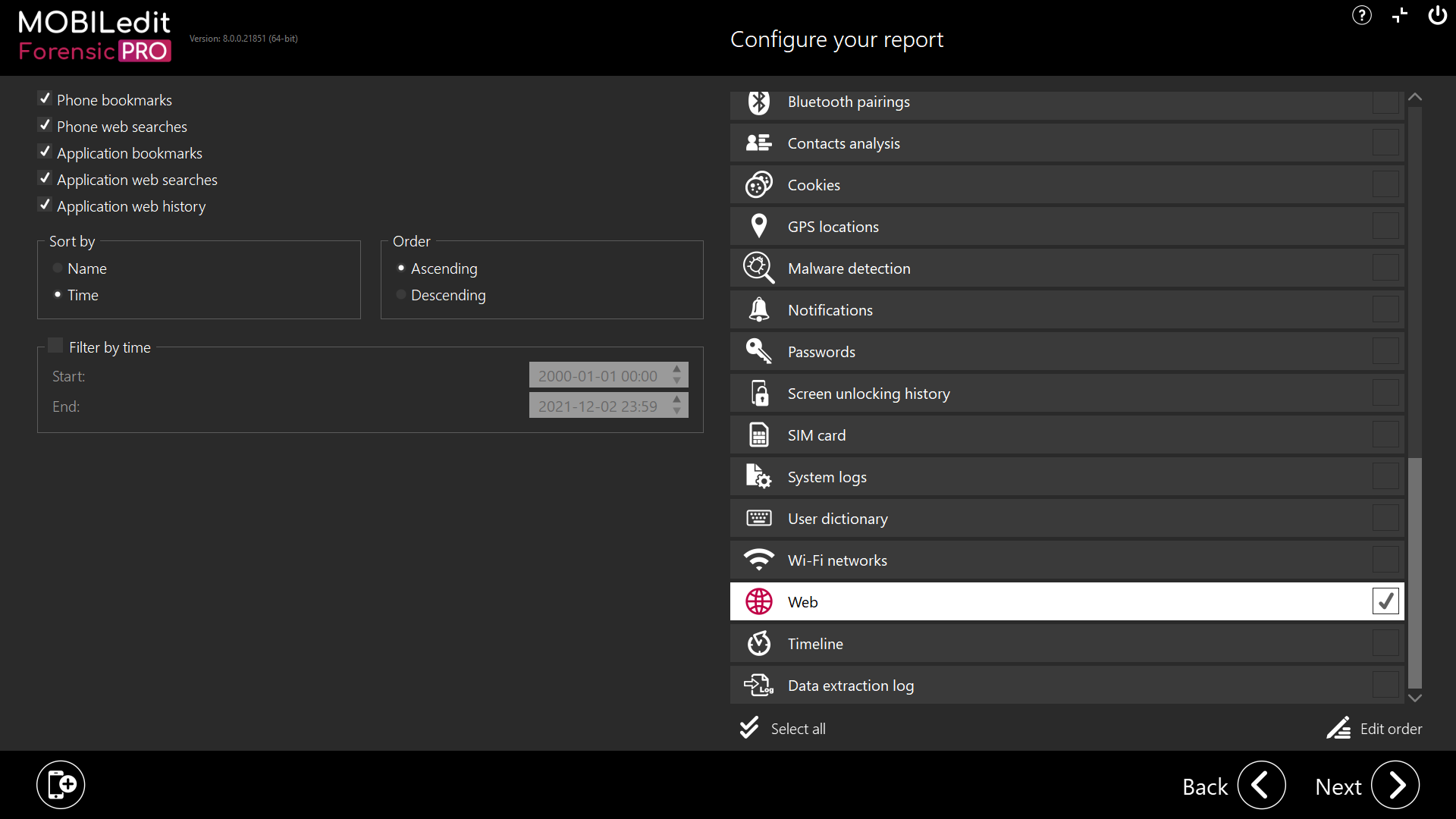
Phone bookmarks
Will extract all bookmarks. For devices with KaiOS or Android 5 and less.
Phone web searches
Will extract whole web searching. For devices with KaiOS or Android 5 and less.
You can also filter and customize the results. For more information about filtering click here.
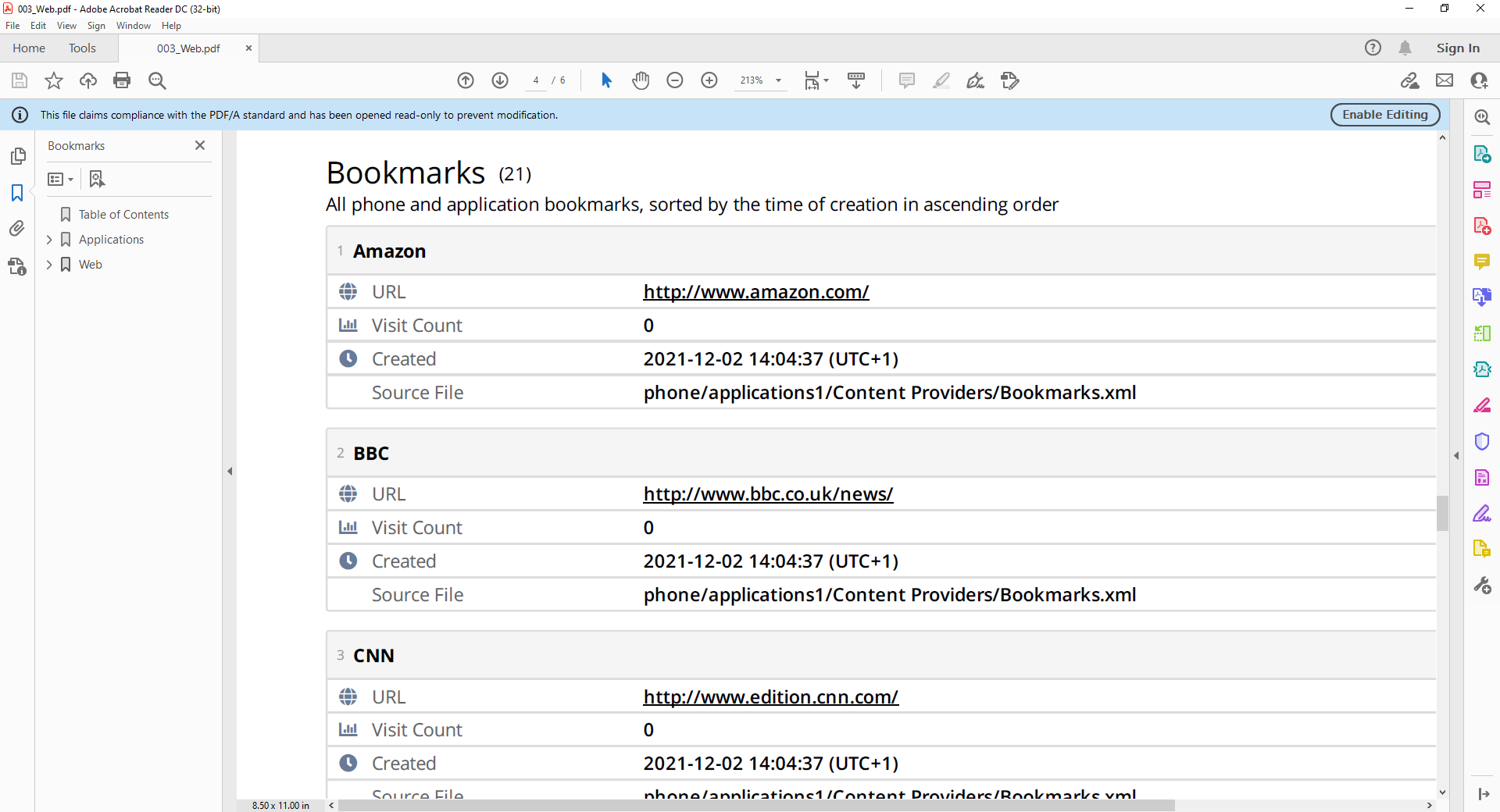
Example of web report
Android:
If web browsing data (for example, Google Chrome history) does not appear when using Specific selection → Web alone, this is expected behaviour. The Web category was originally designed around Android 5, before the wide expansion of third-party browsers and app-based web content. For this reason, web history is now primarily supported through individual applications rather than the standalone Web category. To ensure browser and in-app web histories are included in the Web section of the report, the relevant applications must also be selected during extraction, or a Logical full content (or broader Specific selection) must be performed. When sufficient data is available, MOBILedit Forensic scans the complete dataset and consolidates detected web history and searches into the Web category of the report.
iOS:
On iOS devices, there is typically only a negligible difference between using Specific selection → Web and performing a Full content extraction. However, a Full content extraction may still return a slightly broader set of web-related artefacts. For this reason, when maximum coverage is required, a Full content extraction is recommended to ensure all available web data is captured and reflected in the report.