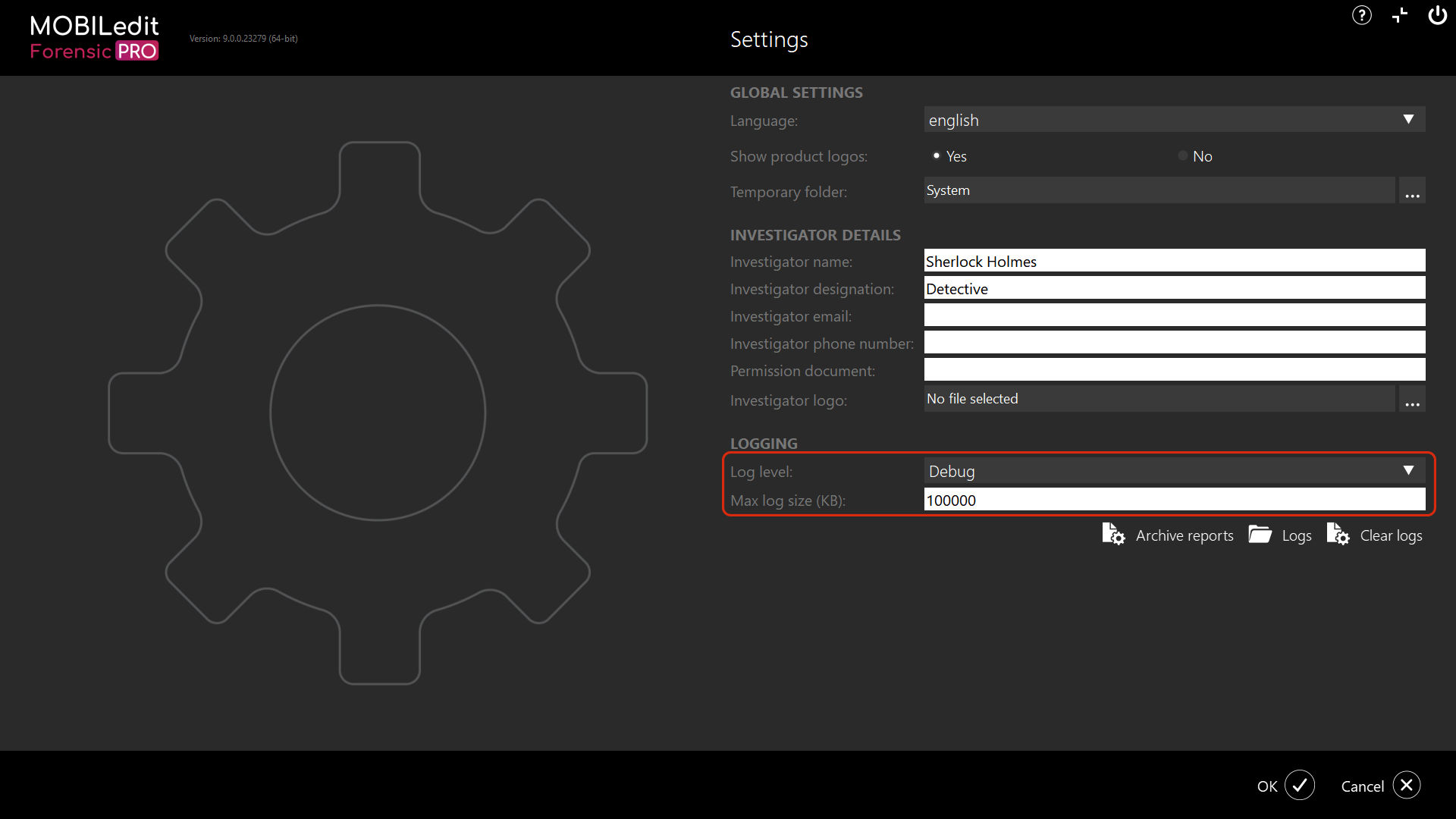
For the Debug Log level, it is recommended to set the Max log size (KB) to, 100000:
Once we receive the debug logs, we will attempt to identify the issue and recreate the problem using our own devices and data. If we cannot reproduce the issue, we will request you to share the live data with us in the form of an iTunes backup, an ADB backup, or a MOBILedit Forensic backup.
We understand that it is not always possible for customers to share data with us. Information about our data handling practices is below.
The Debug logs contain Detailed log-level data and status information from within MOBILedit Forensic. These may contain some personal data.
At Compelson, we believe it is imperative to protect our customers' privacy regarding the potentially sensitive content obtained from mobile device data. We are aware that the user may share personal information with us by sharing log files. Our processes are strict when it comes to handling shared customer data, and we maintain confidentiality at all times. The data is used only for the purpose agreed with the customer and is immediately destroyed once the reason for using the data has expired. We can arrange a mutually signed NDA if necessary.
Please note that the logging settings apply to subsequent extractions and must therefore be entered before starting the extraction of the device for which you want to log.