

Why MOBILedit User Portal?
Regulations require that the use of phone unlocking tools is controlled. So we need to know who the end-users are and allow licensing on a case-by-case basis. You are probably aware of this if you use other forensic tools as well.
The MOBILedit User Portal provides:
Menu
-
A direct link to the MOBILedit Forensic PRO user guide, the ULTRA User guide link is only available for those eligible to use MOBILedit Forensic ULTRA
-
Access for Application Analysis Search to see supported apps
-
Access Security bypassing search to check supported devices
-
Add license
-
Change password
-
MFA setup
-
User Information (edit)
-
Company Information (edit)
-
Show all available SW products
-
Logout
Other features & functions
-
Detailed information on SW products, including validity, registered company, registered user and activation key.
-
Downloads of all the SW programs and applications, editions & packages you are entitled to, including released and previous versions. There is also information on release dates, file sizes, versions and checksums.
-
Downloads of all updates for offline installations.
-
The SW list will also show beta version downloads if the user is signed to the beta test program.
-
All Demo licenses must also be registered. Demo licenses will be automatically removed from the license list once they have expired.
The MOBILedit Forensic tool is no longer available for public download.
MOBILedit User Portal registration
User registration is required first, please have your email and MOBILedit Forensic Activation Key ready, after that you can manage all of your activation keys in one place.
How to register to MOBILedit User Portal
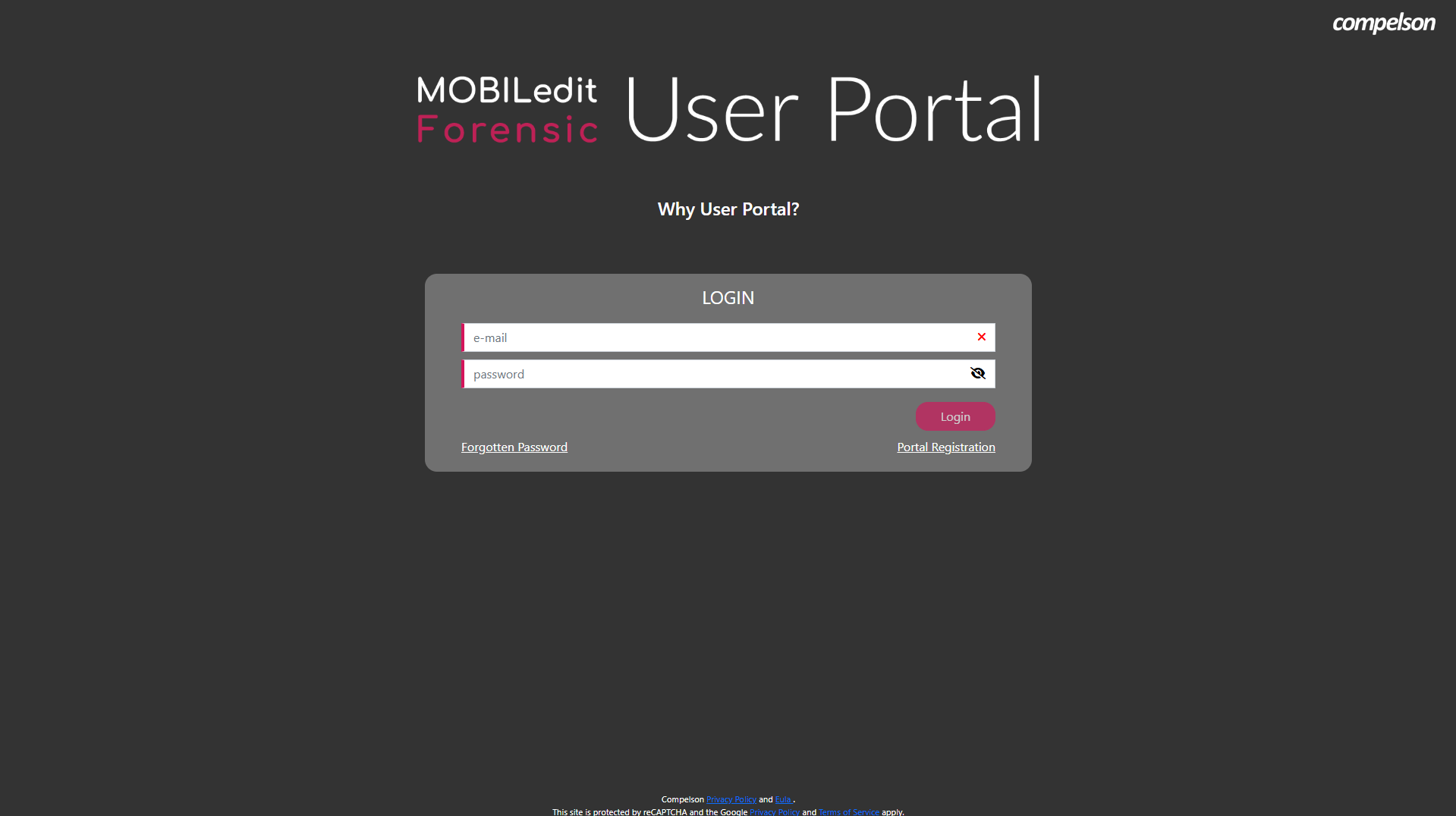
MOBILedit User Portal Login
Add another licence
You can add additional licenses through your authenticated account. There are two options, which depend on the email entered at the time of purchase:
Activation Key purchased under my registered email
An additional Activation Key purchased under the email that is already registered on the MOBILedit User Portal is listed on the main account page in the drop-down menu of the respective software version.
How to add Activation Key purchased under my registered email
Activation Key purchased under another email
It is possible to add an Activation Key purchased under a different email address than your email registered on the MOBILedit User Portal.
How to add Activation Key purchased under another email
There is a limit of active requests of 5 licenses per user when adding licenses.