

Quick guide for crash dump logs:
-
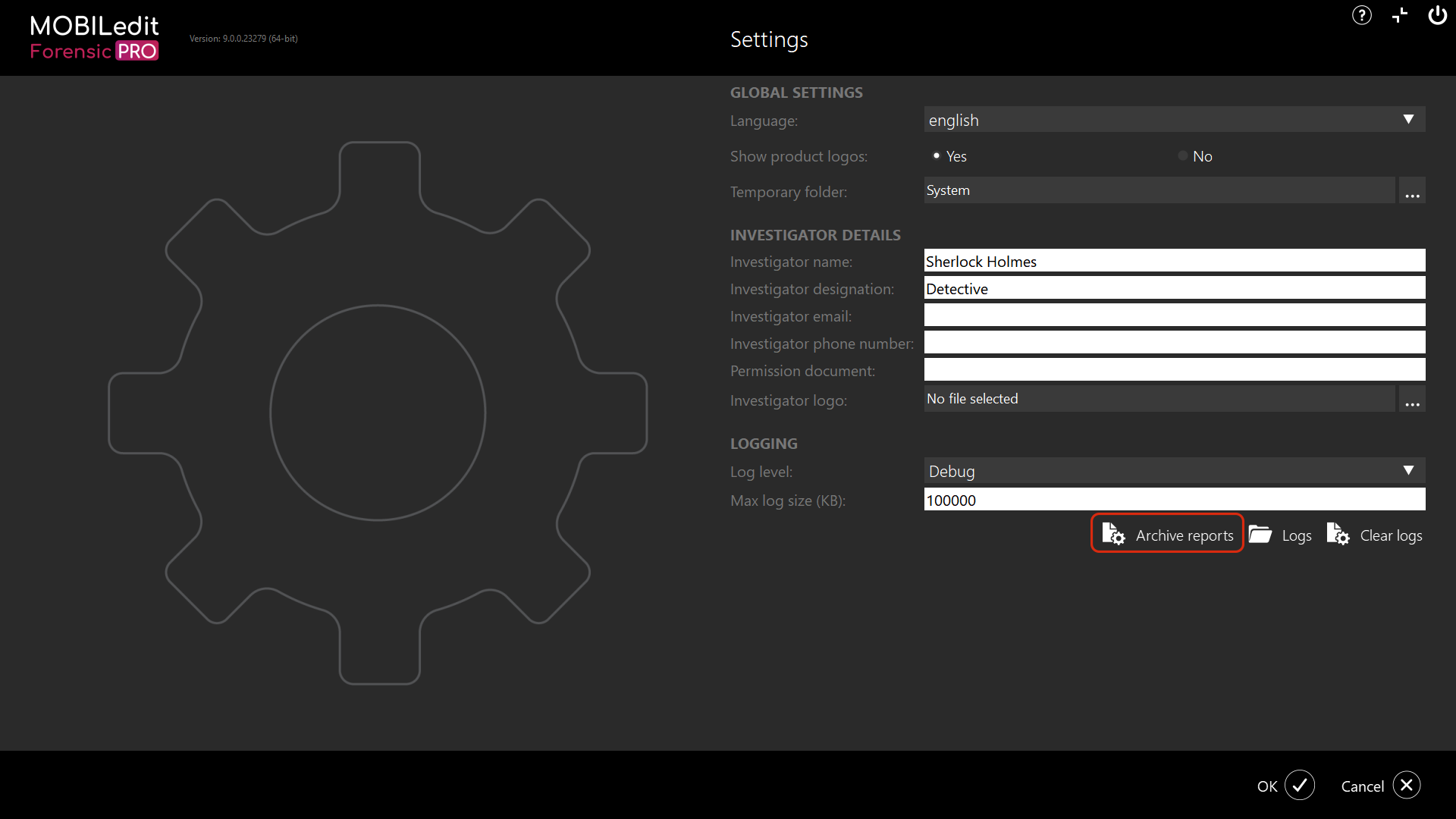
Home > Settings > Archive logs > Clear logs > Set to debug 100k > OK
-
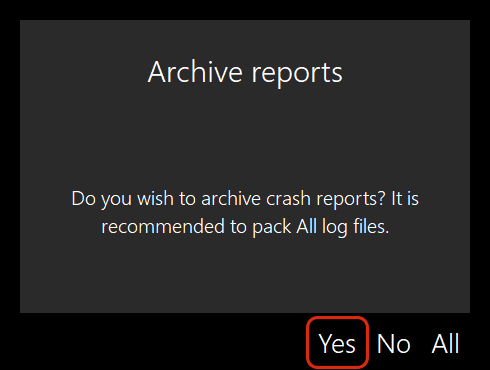
Reproduce the crash > Restart MOBILedit Forensic > Select "All" when prompted to archive on restart
-
Send them to us via support ticket with MEF SW version and license type (Internet/Dongle/Network)
-
If the log size is too large to attach to the support ticket, submit the ticket with required information and request an upload link.
Launch MOBILedit Forensic, select "Settings", then click on "Archive reports":
then select "Yes":
Please send us the resulting file "log_backup[…].7z" as an attachment via our contact portal.
If the log archive size is too large for upload via the contact form, please use the contact form to let us know and we will send you a link for upload to our server.
You should then clear the logs to start afresh; otherwise, the next time the logs are archived, the size will be larger as it will contain historical and new data.
Please do not copy and paste the logs to create your own archive and send it to us; they will be incomplete, and we won’t be able to see the full picture.
Crash Dump files contain crash status information only, without personal data.