

Whenever Logical extraction is availble and “Next” is selected, the following options will be presented.
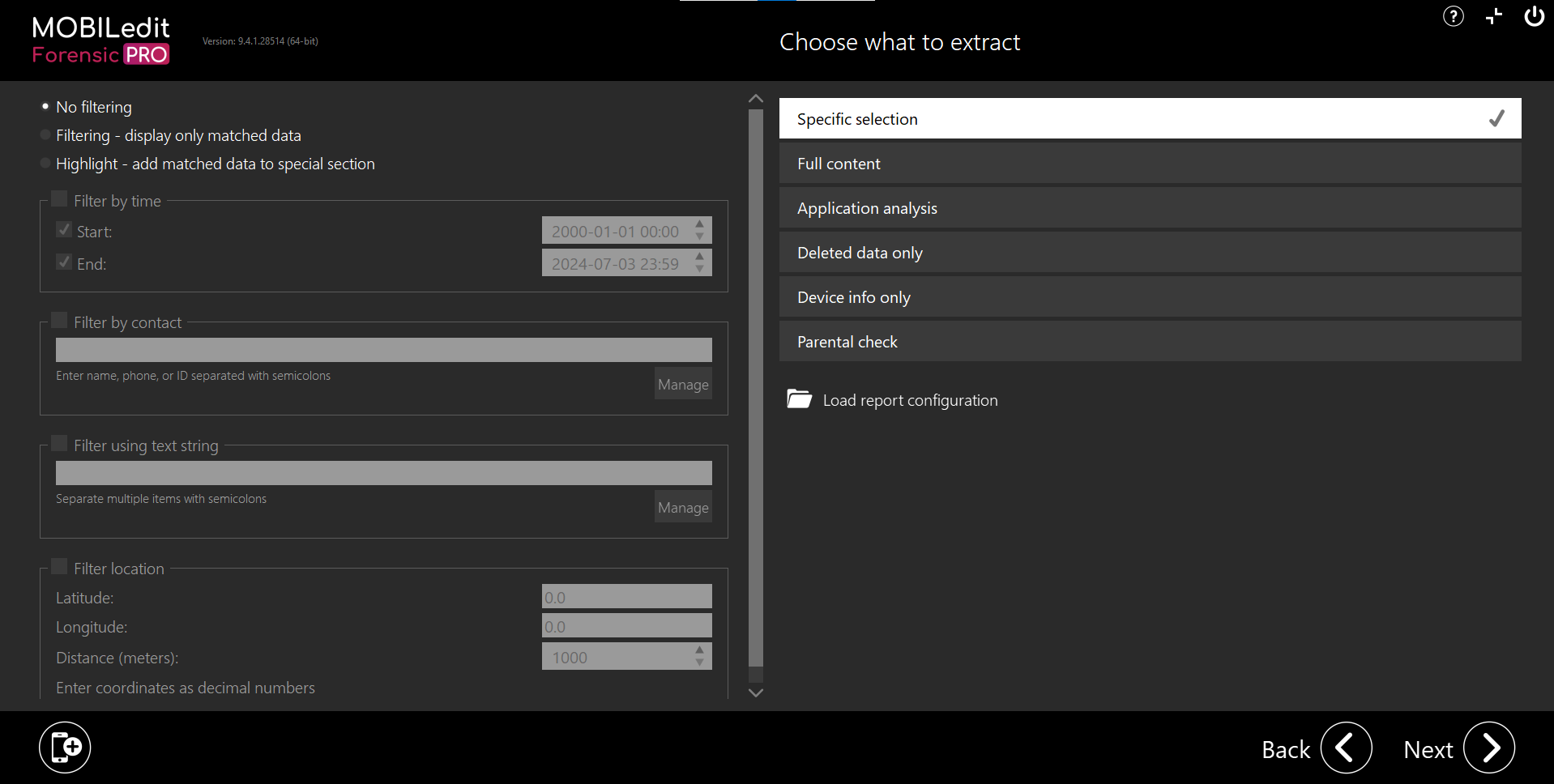
Follow the links to find out more about each of them.
-
Filtering - You can also set Global filters if using “Specific selection” and within are more local filters that can be set.
-
A “report configuration” file can also be imported.