

Please log in to the User Portal.
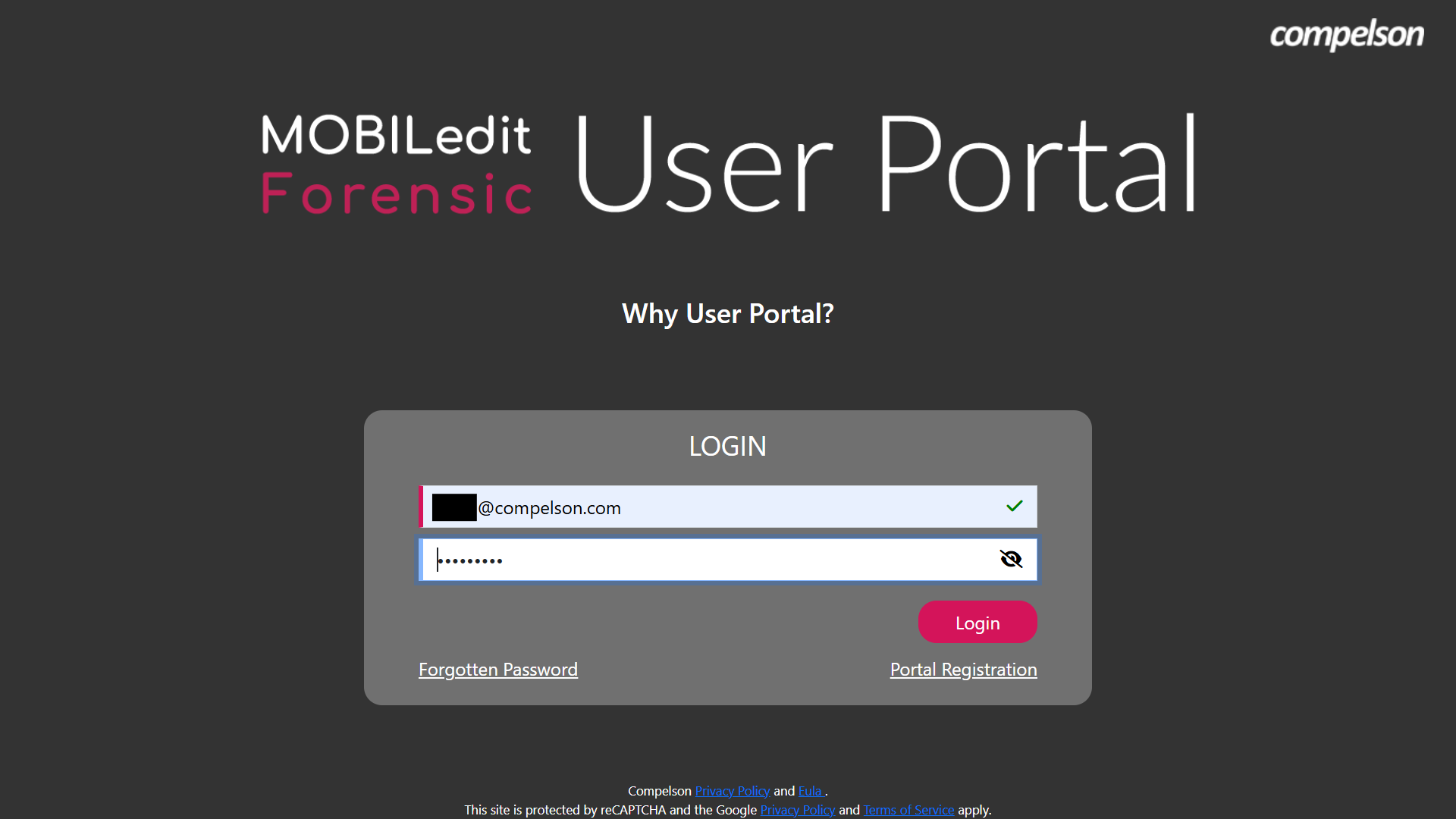
After logging in, you will see a list of licenses in your account. Then, select MOBILedit Forensic ULTRA.
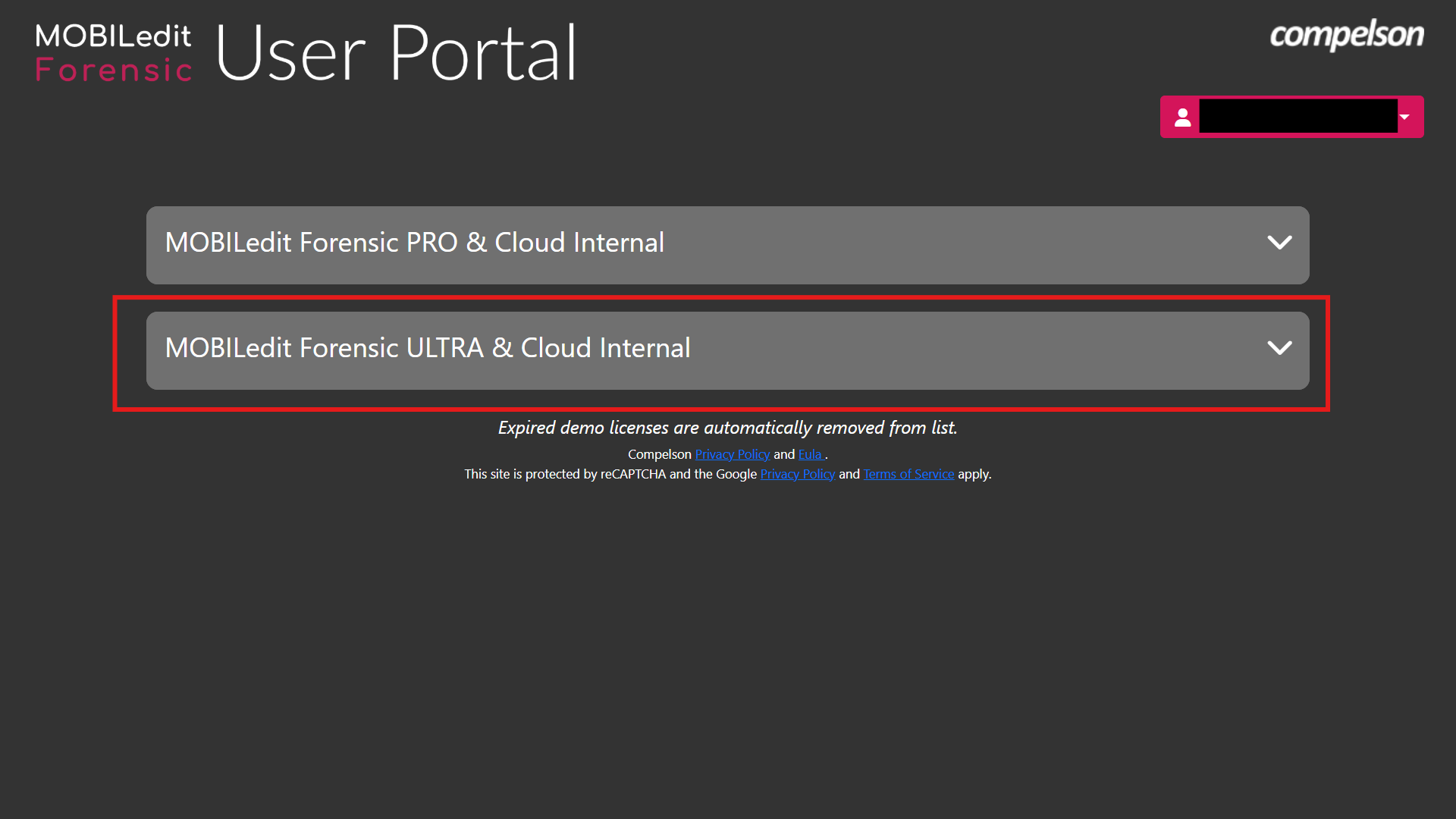
Copy the license key and open MOBILedit Forensic.
It is a good idea to download the packages from the User Portal now, if you are working in an air-gapped environment and internet-isolated. They can later be imported to MOBILedit Forensic when updating the packages.
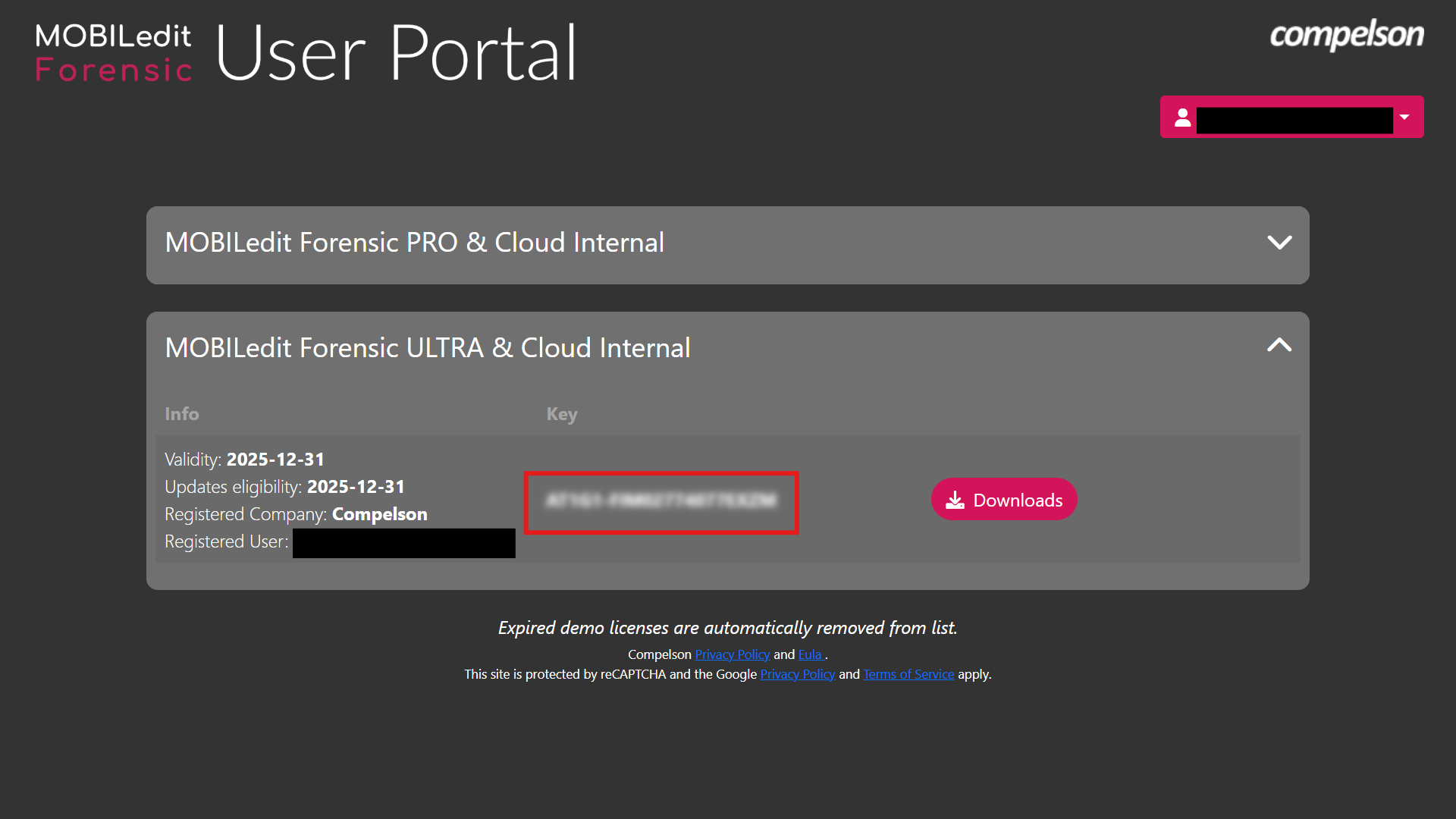
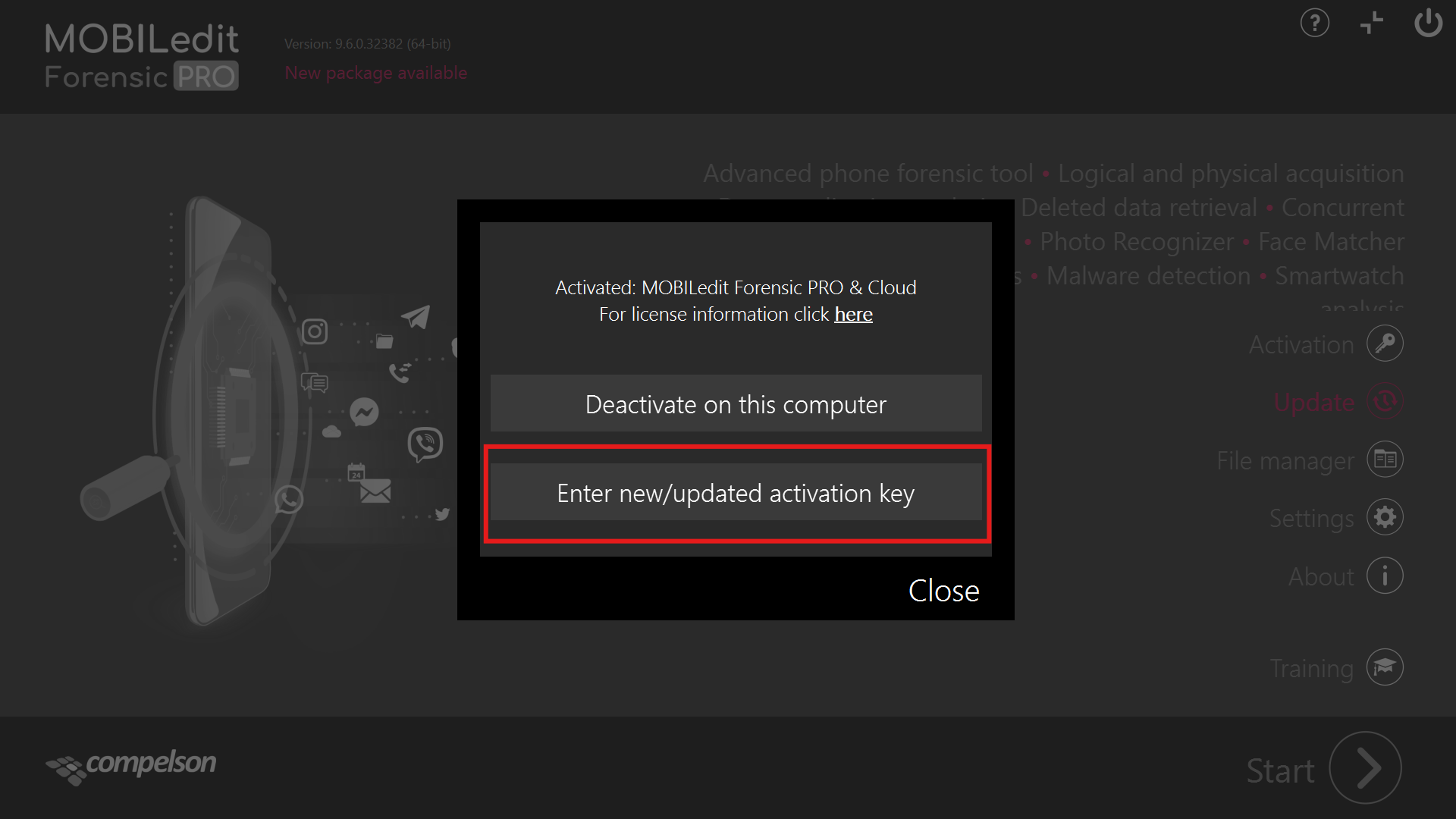
When you open MOBILedit Forensic PRO, locate the “Activation” button on the home screen and click it.
Click on "Enter new/update activation key.”
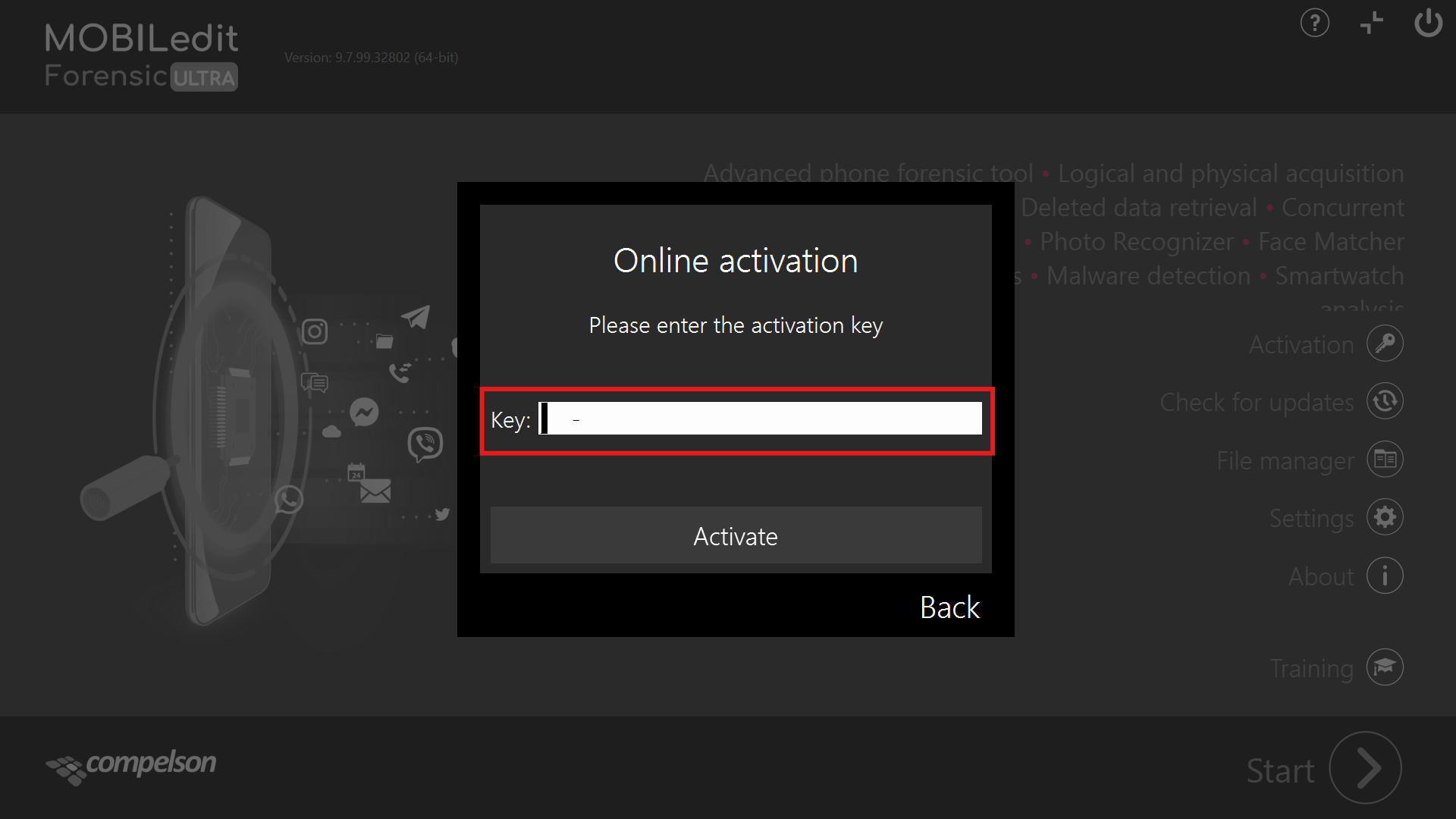
Paste the copied key from the User Portal and click “Activate”.
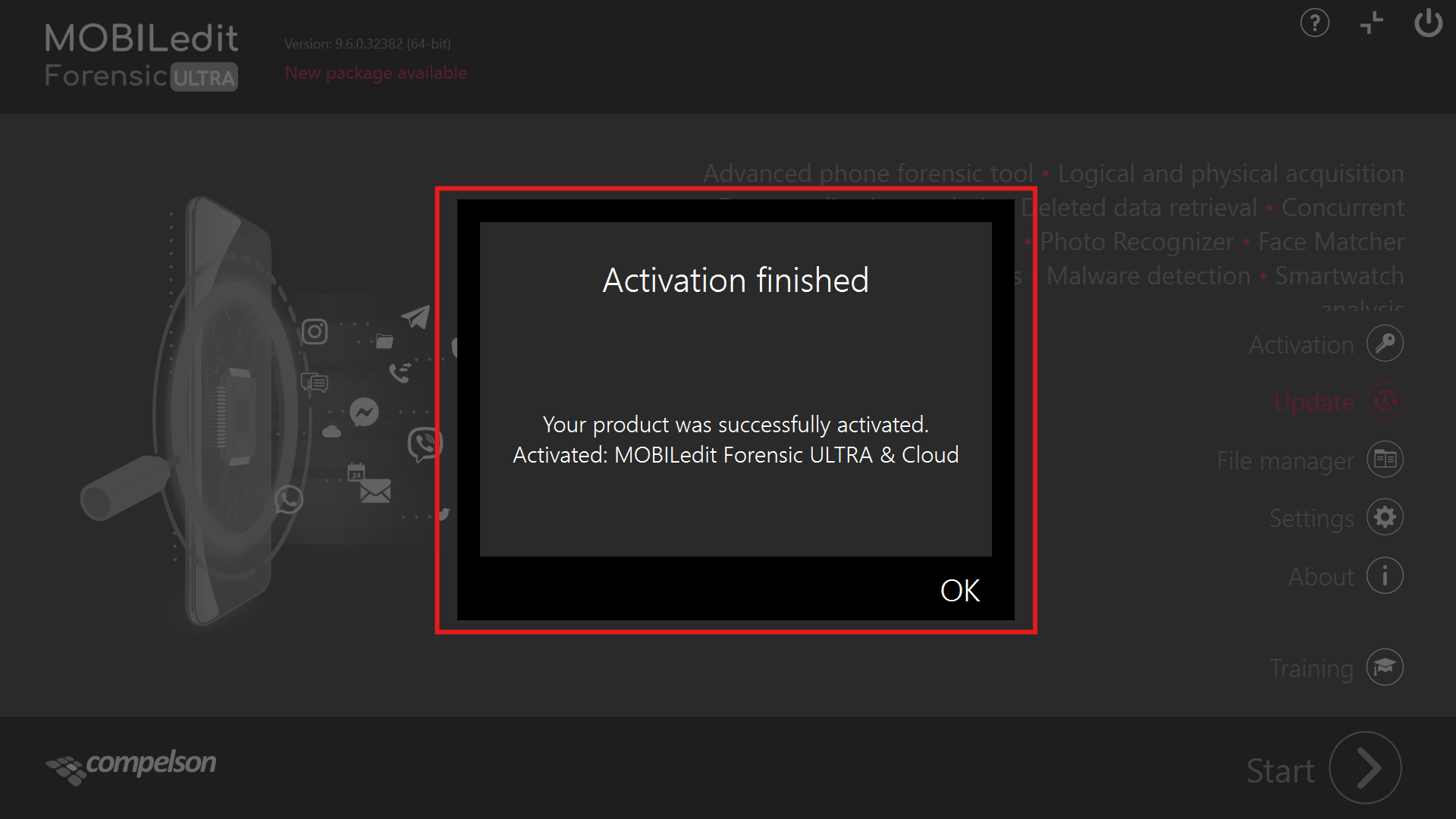
Once the license has been successfully activated, you will receive a notification.
Click “OK" to proceed.
If the activation fails, it could be for one or more of the following reasons:
-
Internet connectivity
-
Firewall settings
-
Incorrect time and/or date set on the computer system
-
Contact your IT administrator.
If you continue to experience issues after completing the steps above, please contact support for further assistance.
Downloading the additional security bypassing packages for ULTRA.
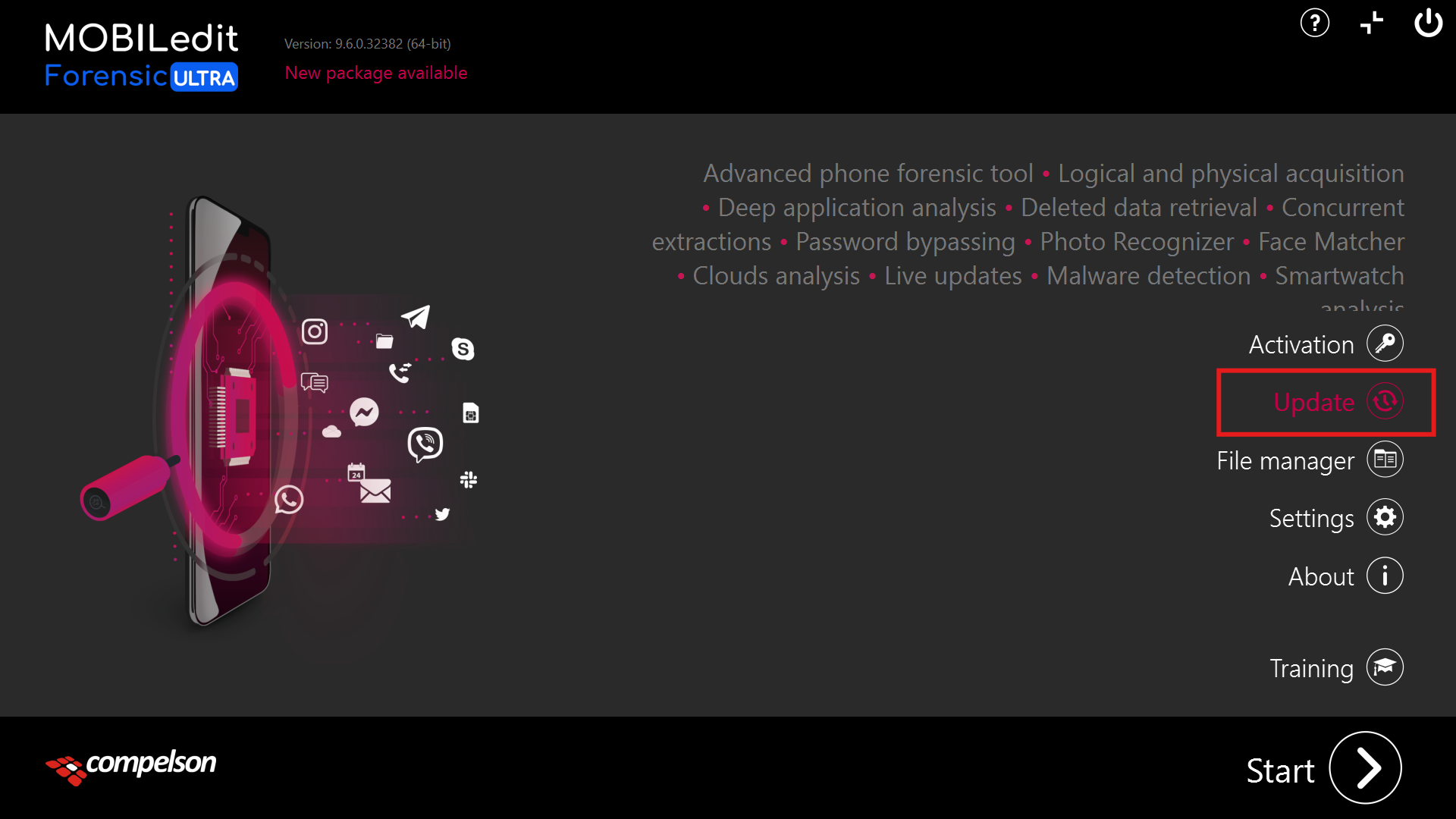
After activating the license, you will see that MOBILedit Forensic PRO has been renamed to MOBILedit Forensic ULTRA.
You will now notice the “Update” button is highlighted.
Click on the update button.
To update the selected items, first click "Select All," and then click "Update Selected.”
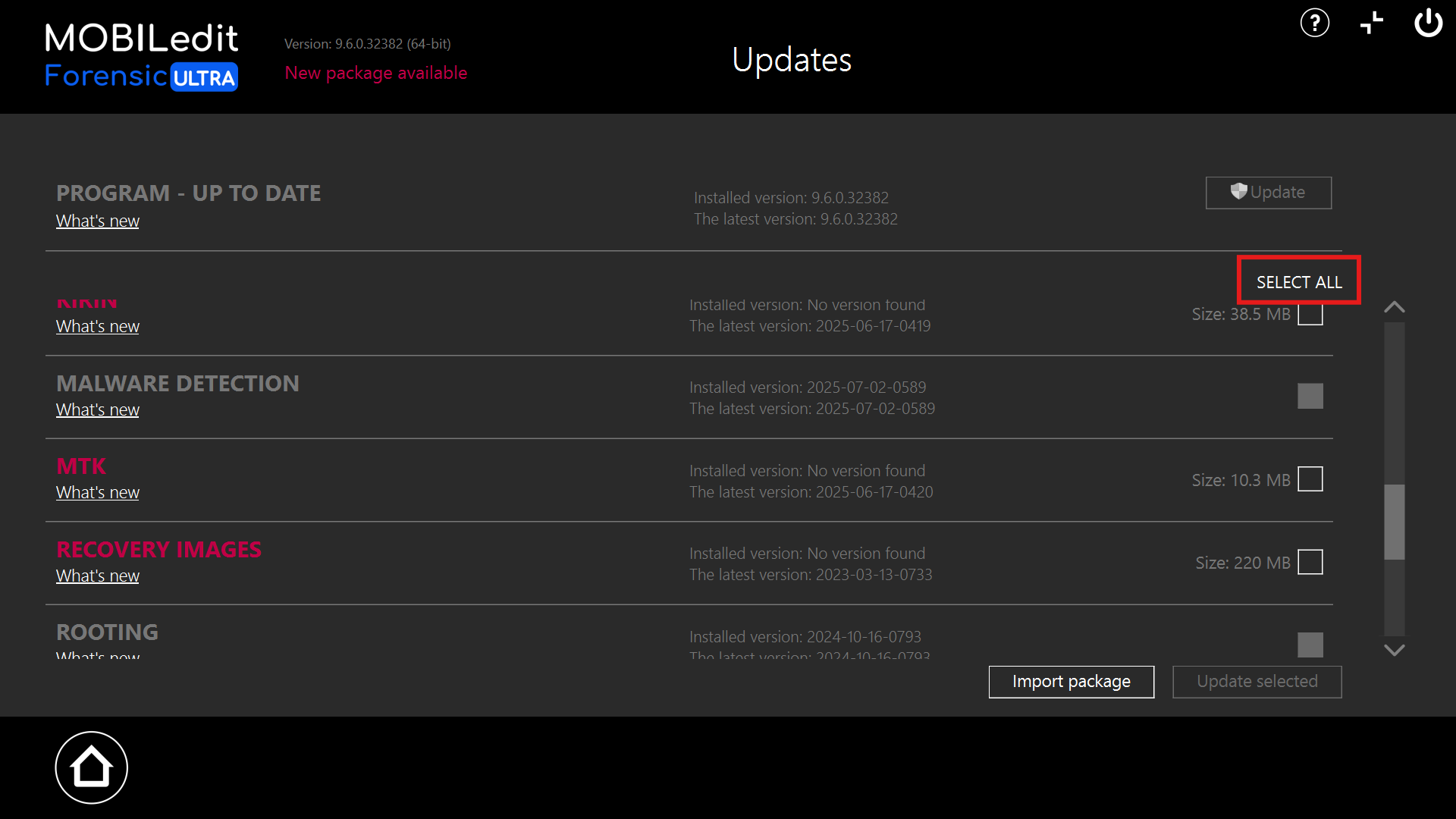
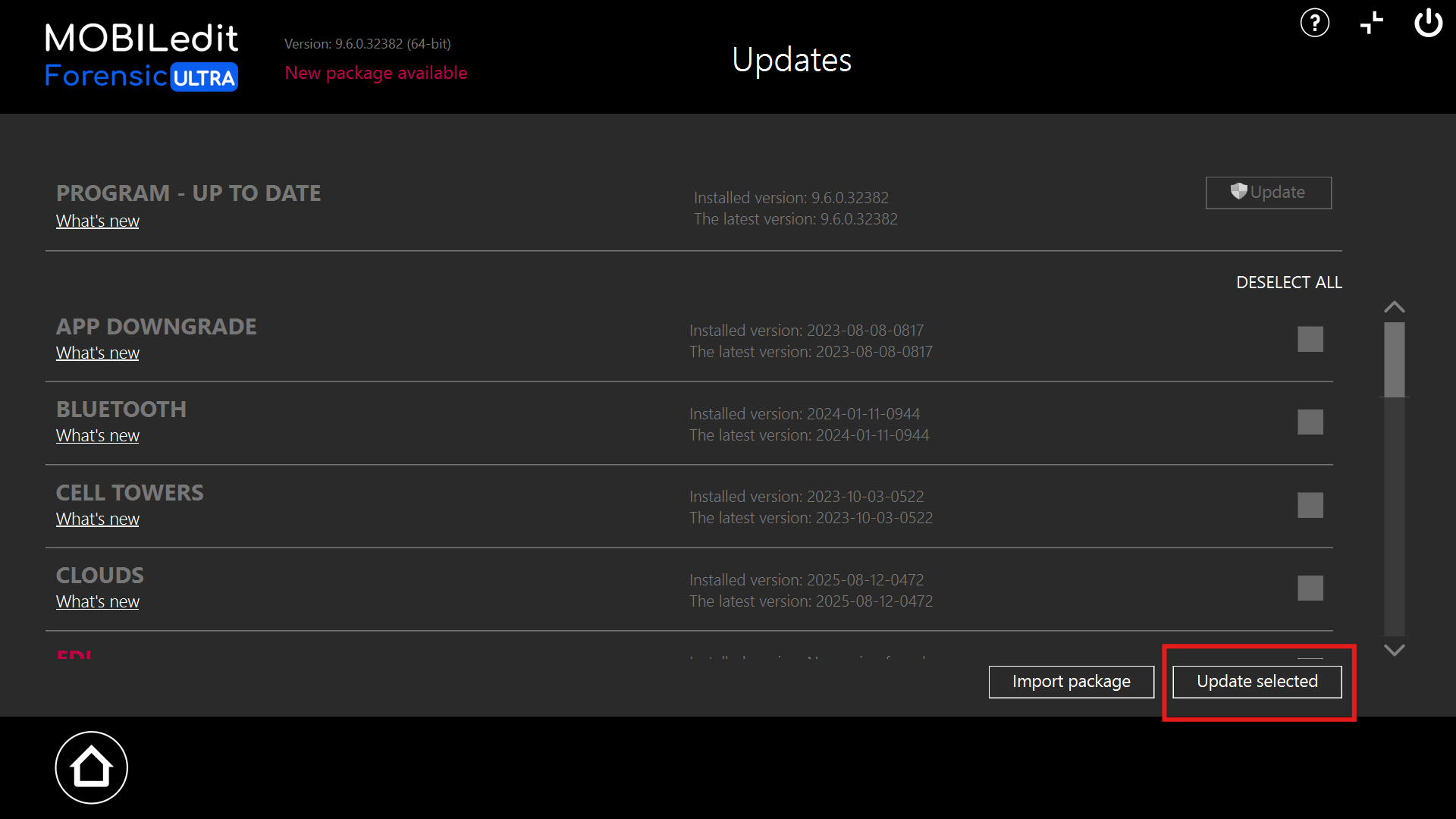
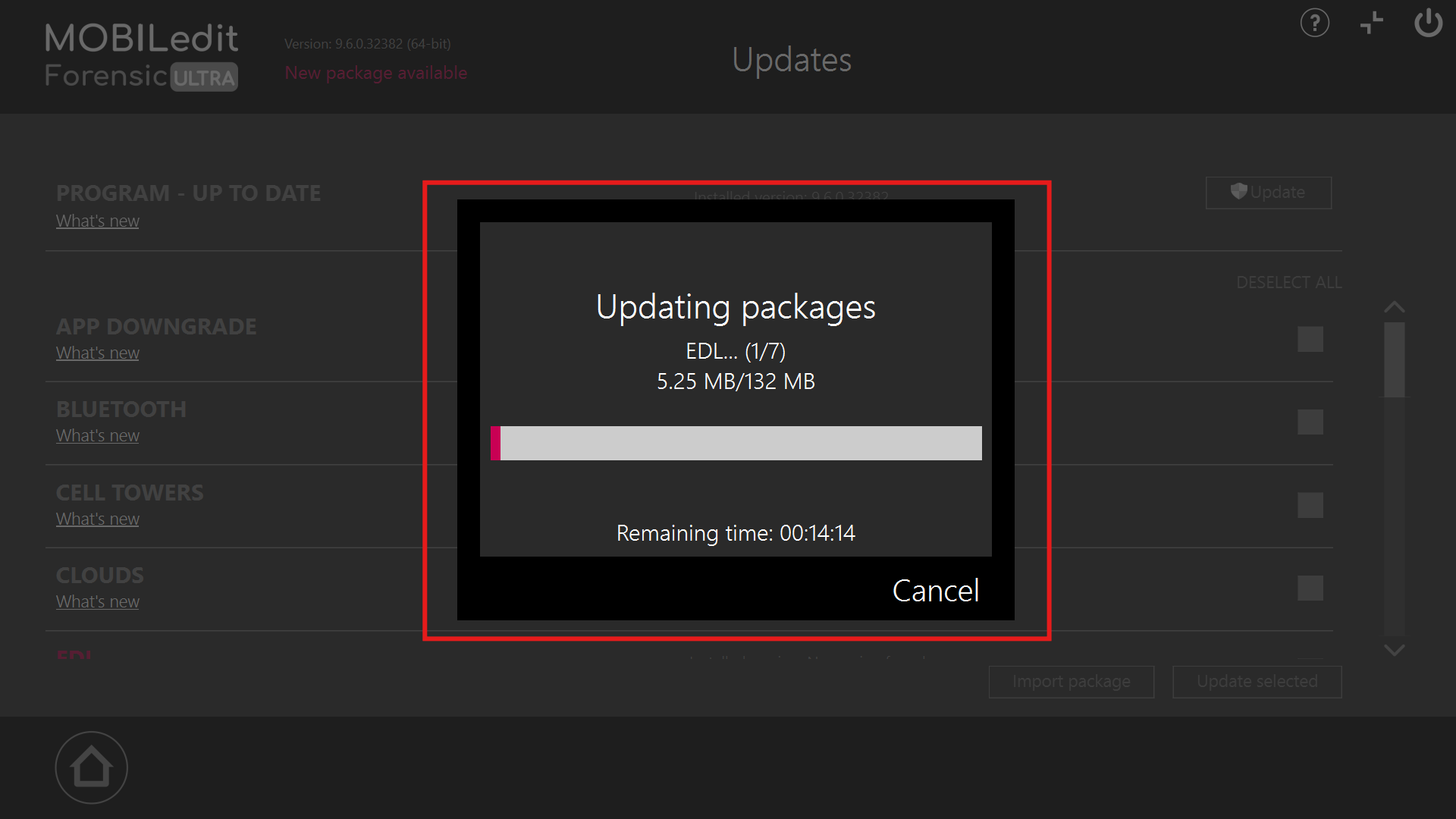
Please wait for the update to finish processing.
After the update is successful, you will receive a notification. Please click "OK" to proceed.
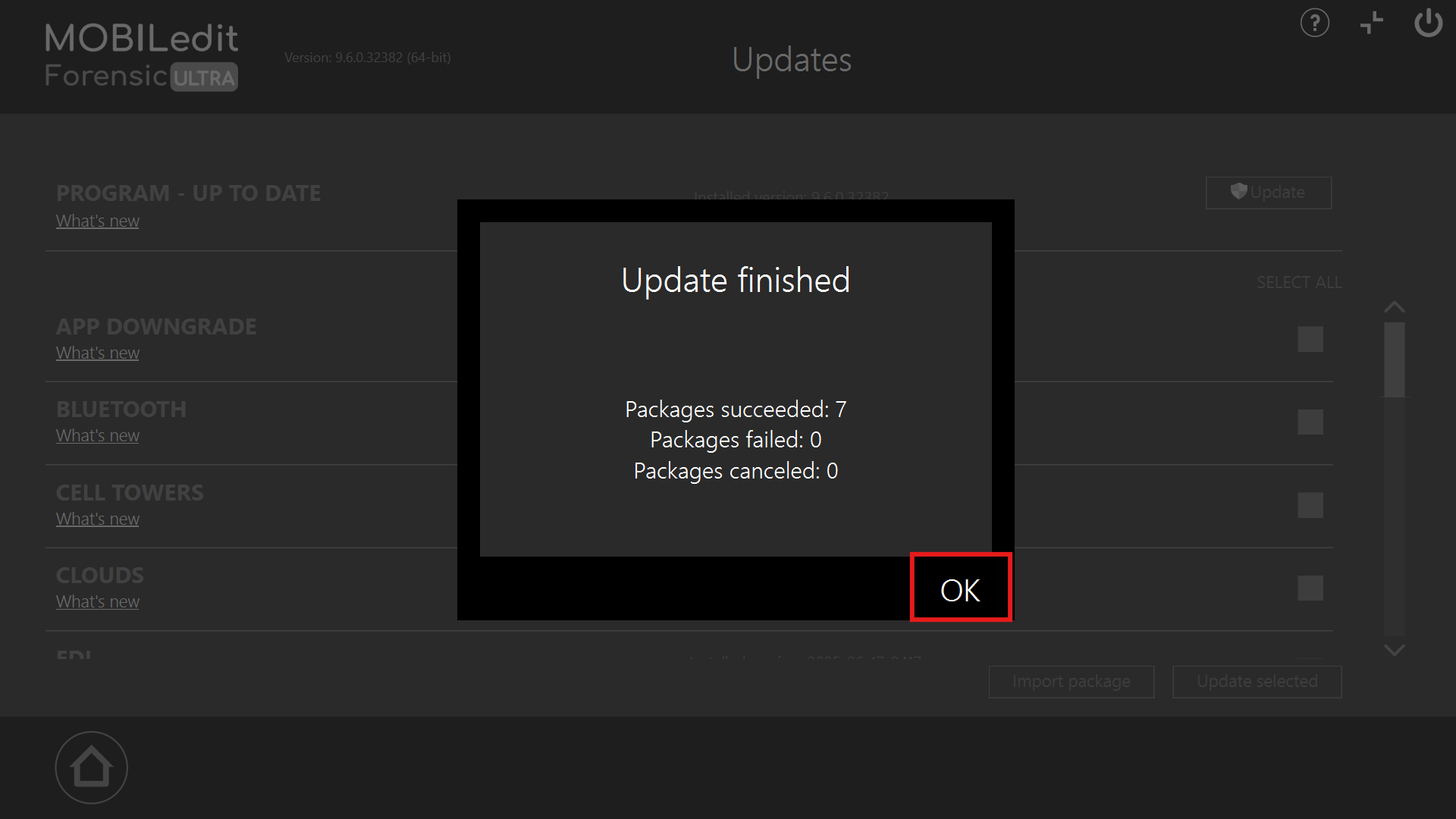
ULTRA will need to be restarted, and it is ready for use.