

If you are setting up a new User Portal account, you must enter full User information and Company information, or you will not be able to add the license key.
The same applies if you already have a User Portal account for a lower edition of MOBILedit Forensic PRO, and you are upgrading from PRO to ULTRA.
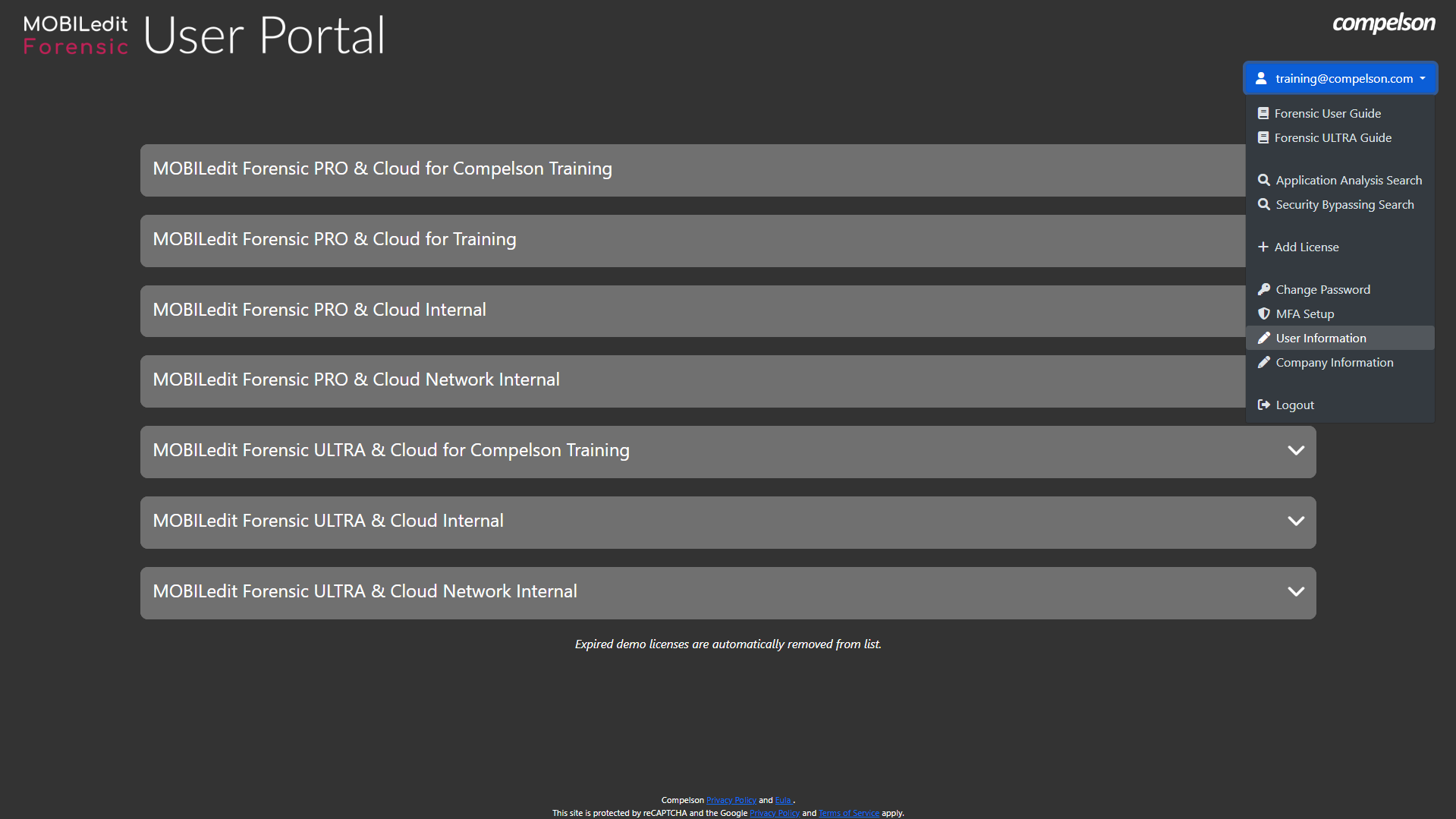
Select User information from the menu.
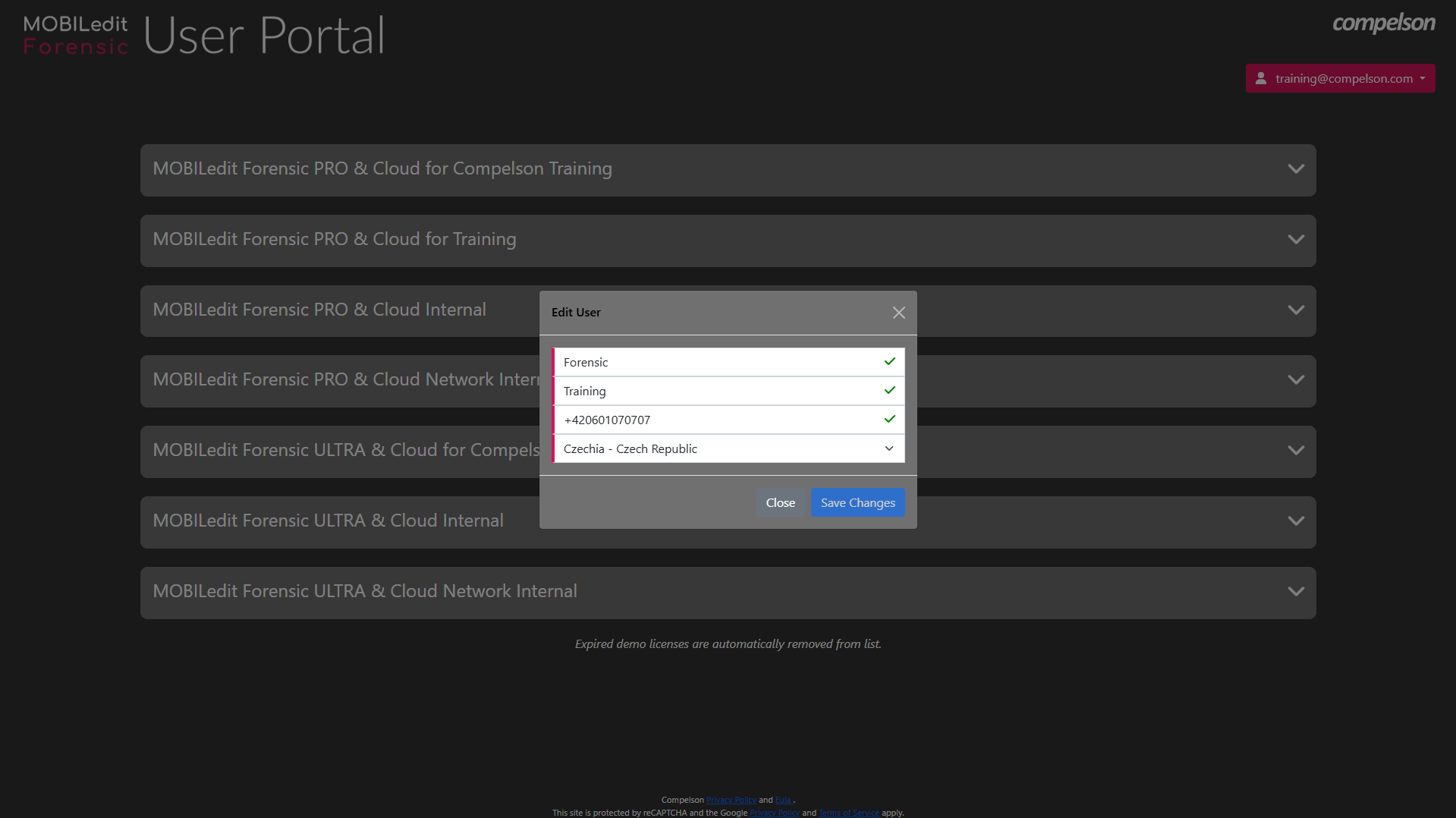
Then enter the first and last names of the person whose details were given to us as the end user of the license. Then enter the contact telephone number and select the country.
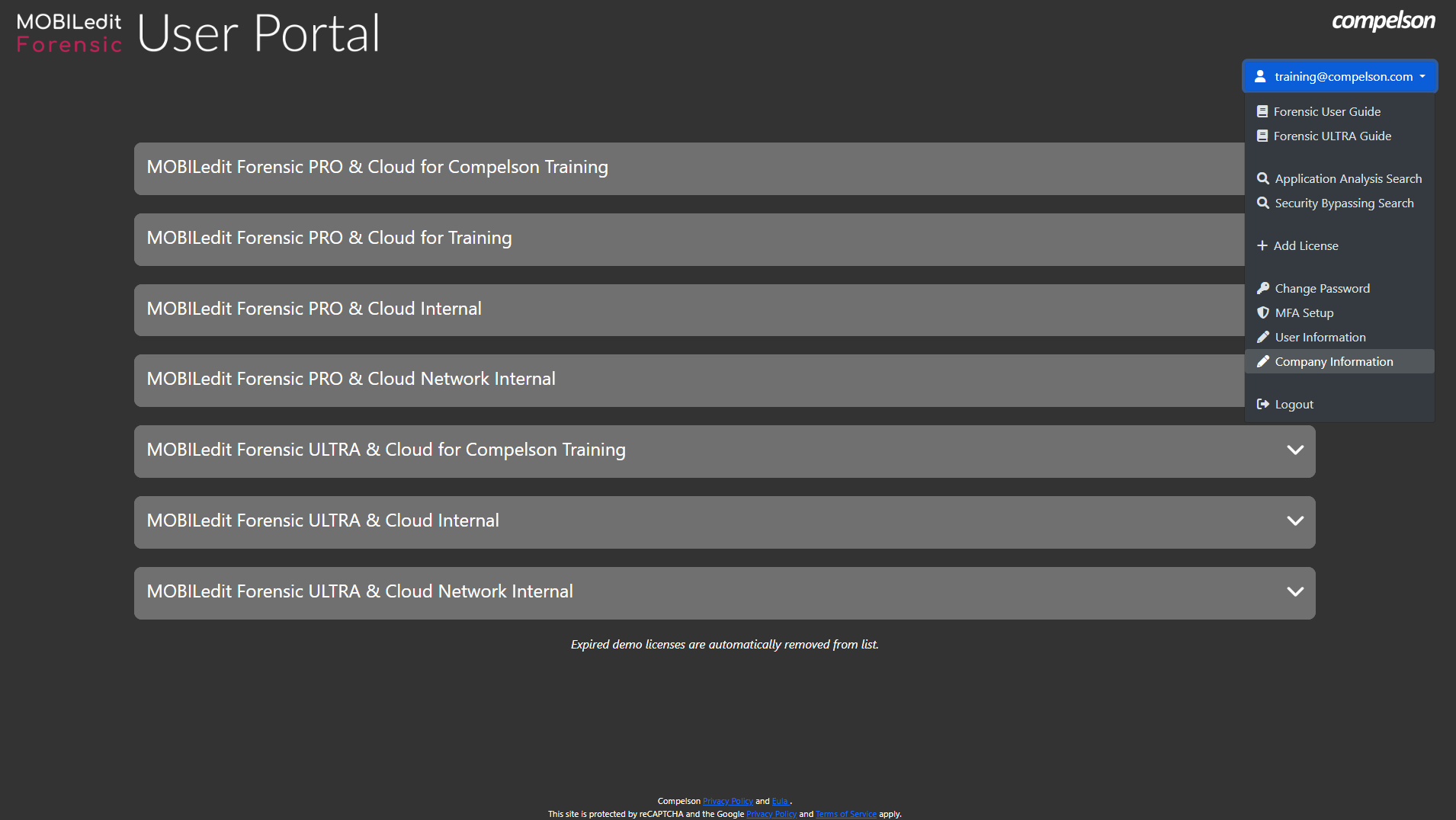
Next, update the Company information by selecting the option from the menu.
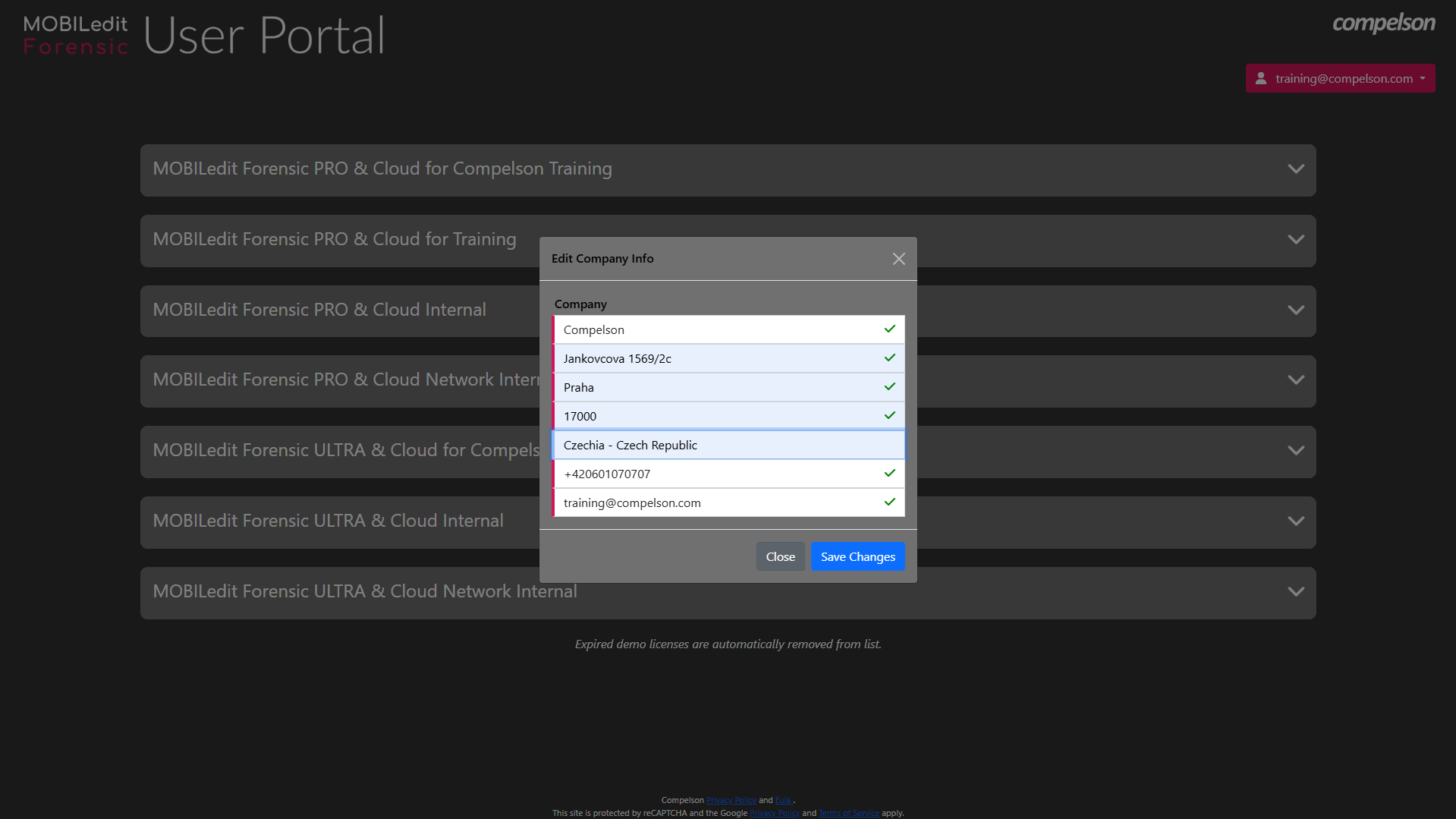
Enter the company information exactly as submitted when applying for the dual-use permit:
-
Company
-
Street
-
City/Town
-
Zip/Postal code
-
Country
-
Contact telephone number
-
Email address
Then add the ULTRA license activation key and wait for it to be verified by our business team. Once verified, you can download the SW program, Forensic Connector app, and update packages.