

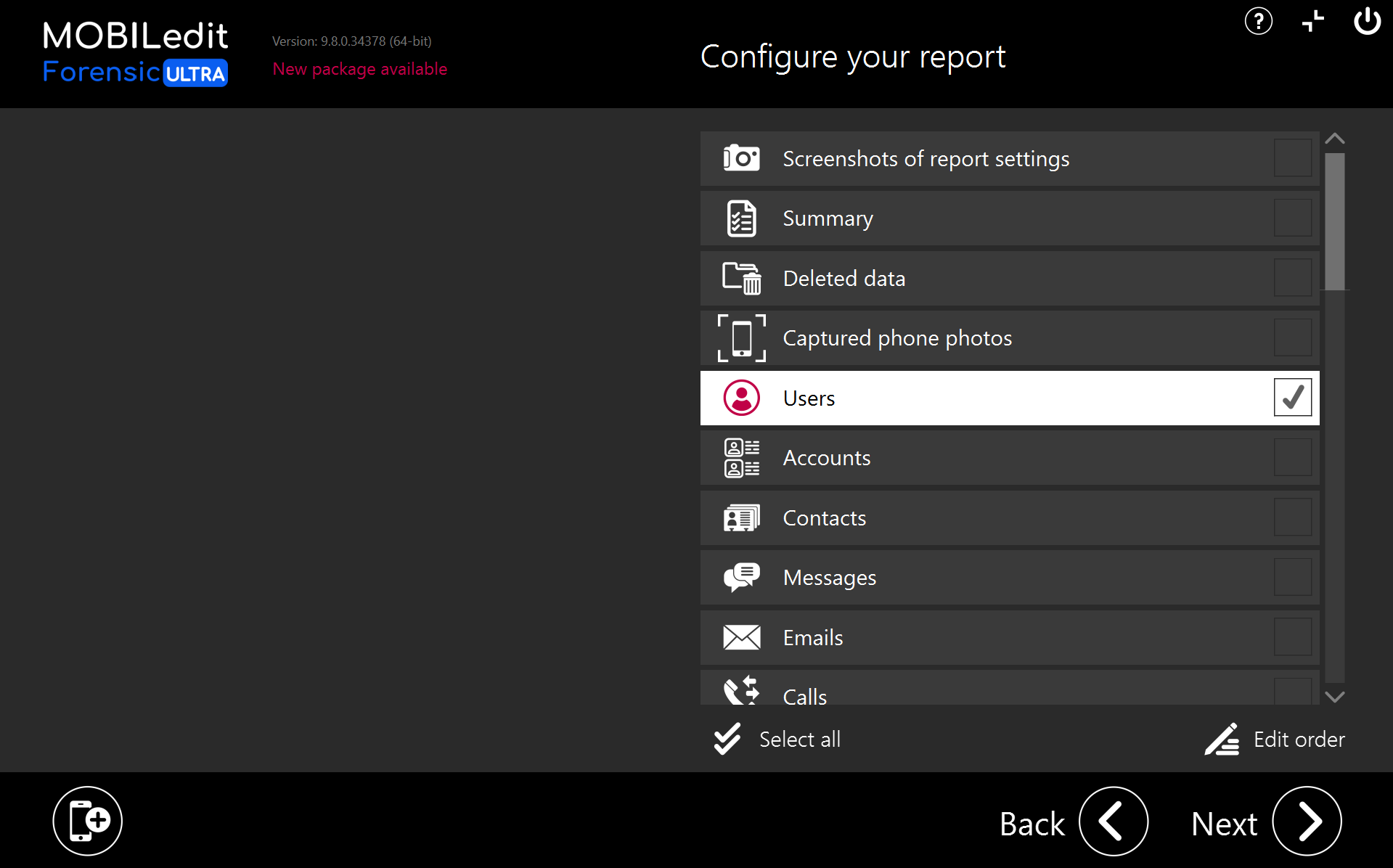
Android
The “Users” option will appear when additional user profiles, dual apps or hidden folders are active on Android devices.
If another user has been activated on the device, it will show the “Users” option and populate the report with details of the multiple users.
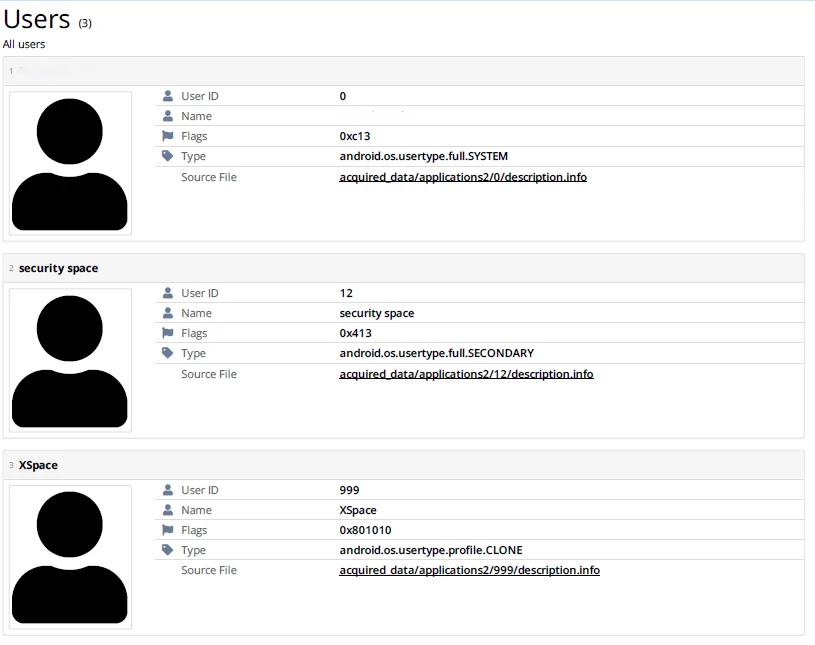
To acquire and analyse the data relating to additional users, you will either need to have:
-
Unlocked that user on the device
-
Know the PIN and enter it
or -
Gain root access using Exynos or Kirin decrypt.
-
Use one of the offline decryption methods for Kirin, Unisoc/Spreadtrum or Mediatek.
Exynos, Kirin, Unisoc/Spreadtrum, and MTK chipset security bypassing methods are only available in MOBILedit Forensic ULTRA. Then it is possible to attempt brute-forcing the additional user accounts to acquire and anlayze the data.
For smartphones, this applies to Android only, and not iOS.